Your charts. Together.
A sheet music reader for iPad and iPhone, built for live bands, ensembles, and gigging musicians.
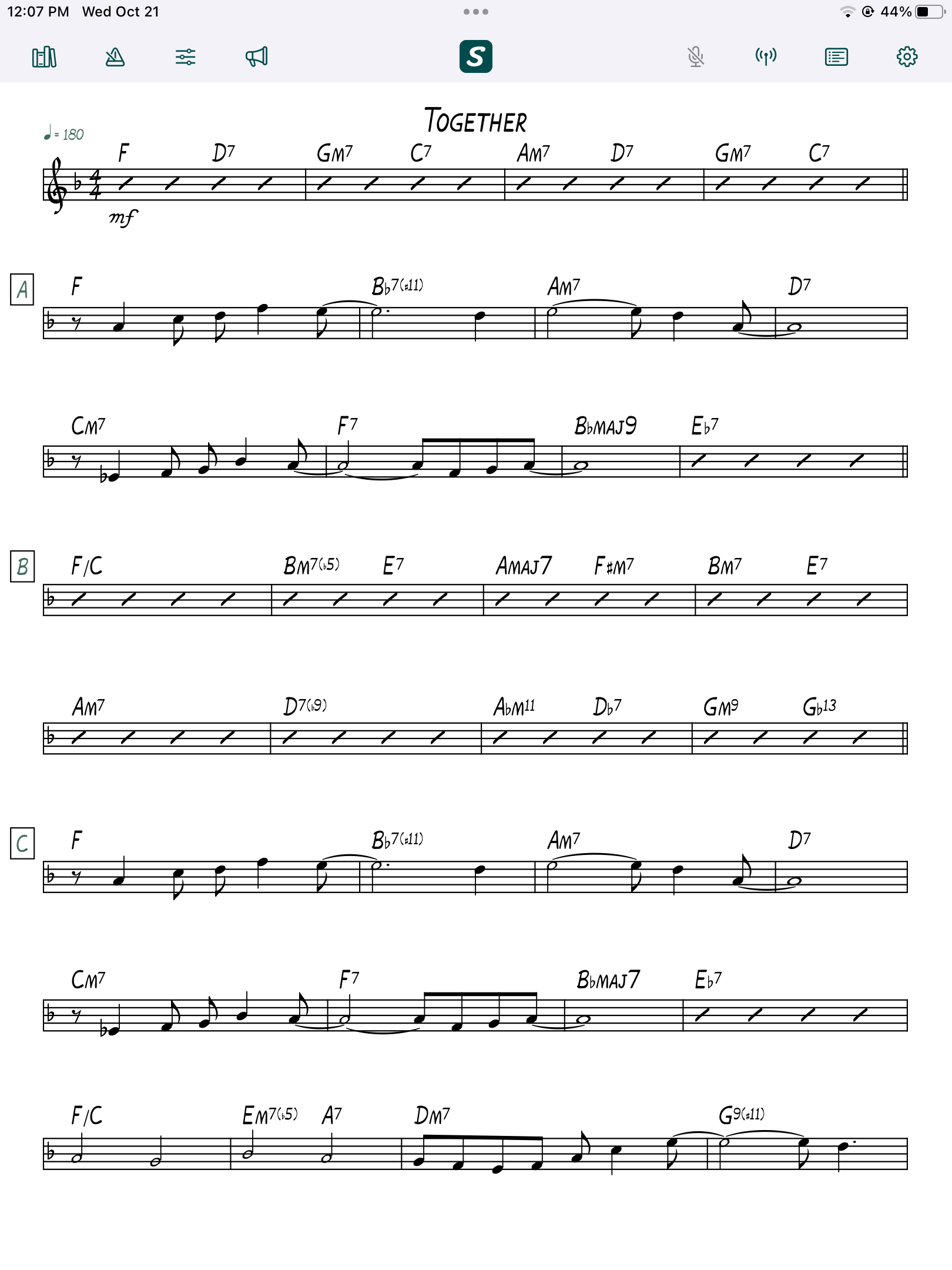
Built for the gig
-
Your charts, ready to play
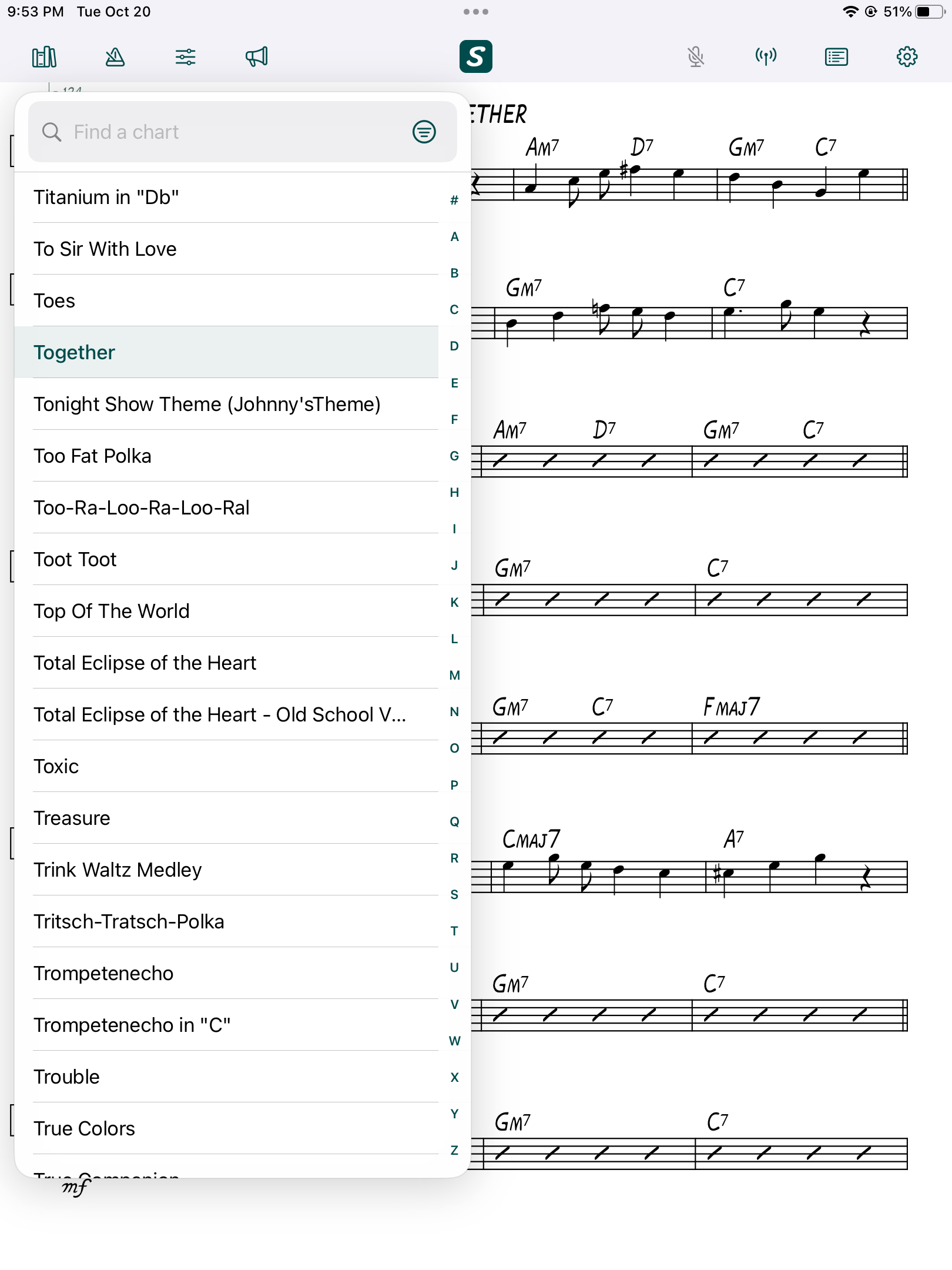
Read your PDF charts, find songs quickly, and organize setlists on iPad and iPhone. Import PDFs directly or connect your cloud library.
-
Sync from your cloud
Sync a PDF folder from Dropbox or iCloud Drive, then take your charts offline. Add or replace a PDF in your folder and sync soli before the gig.
-
Keep the band together
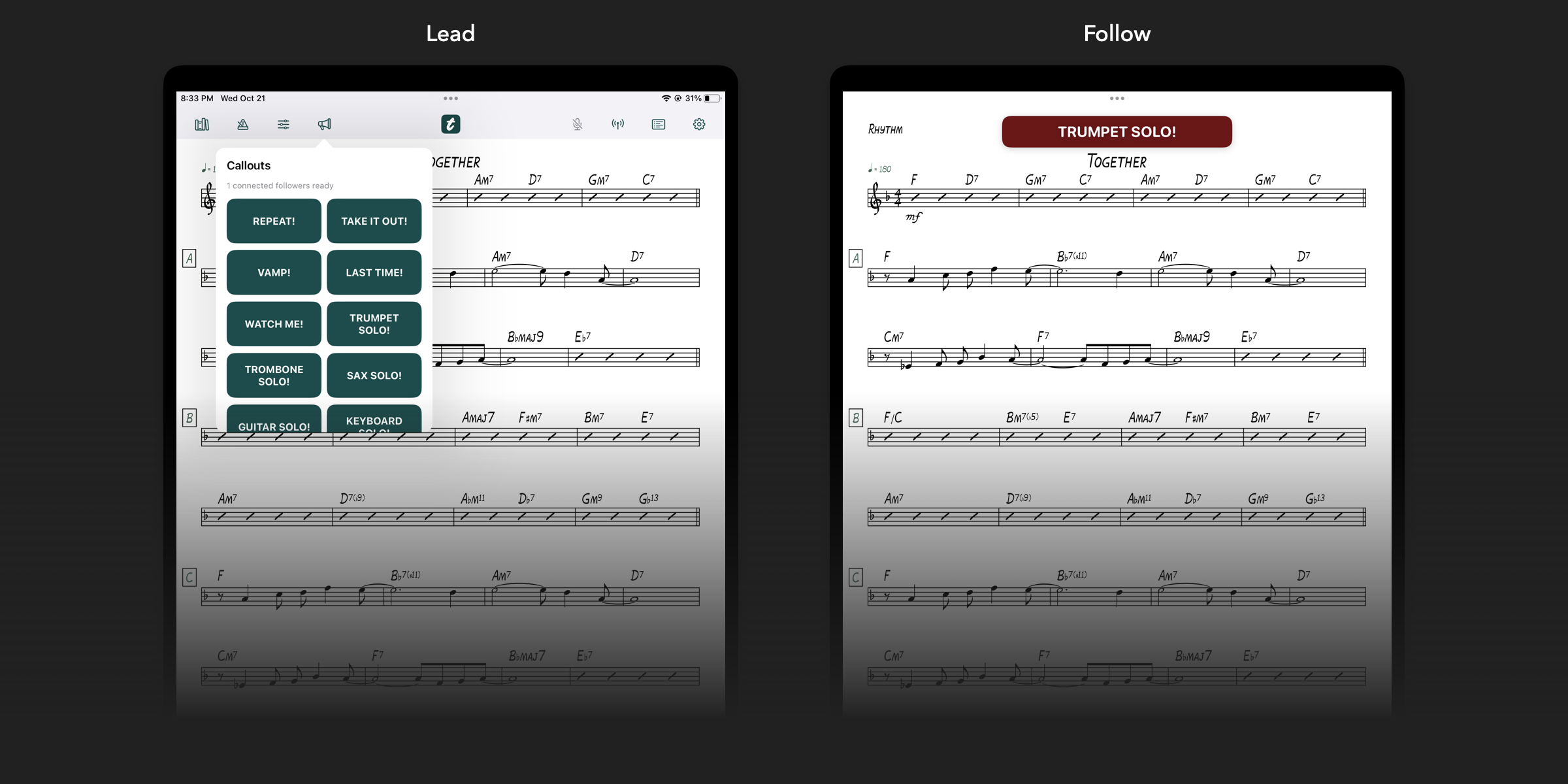
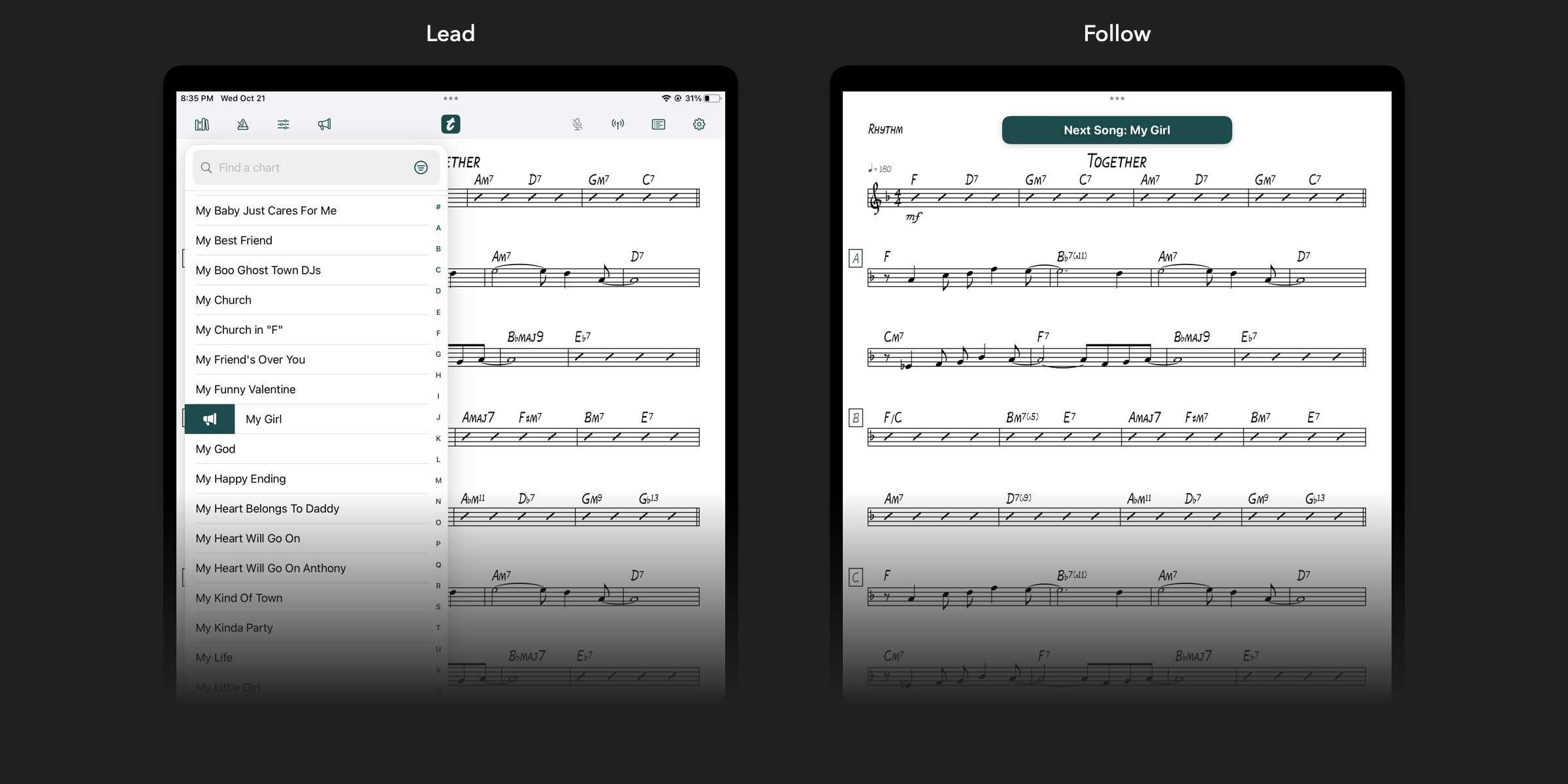
Call a song while each player reads their own part. Send callouts, announce what’s next, let the band vote, and share a break countdown over local Wi-Fi.
-
Meet soli Library
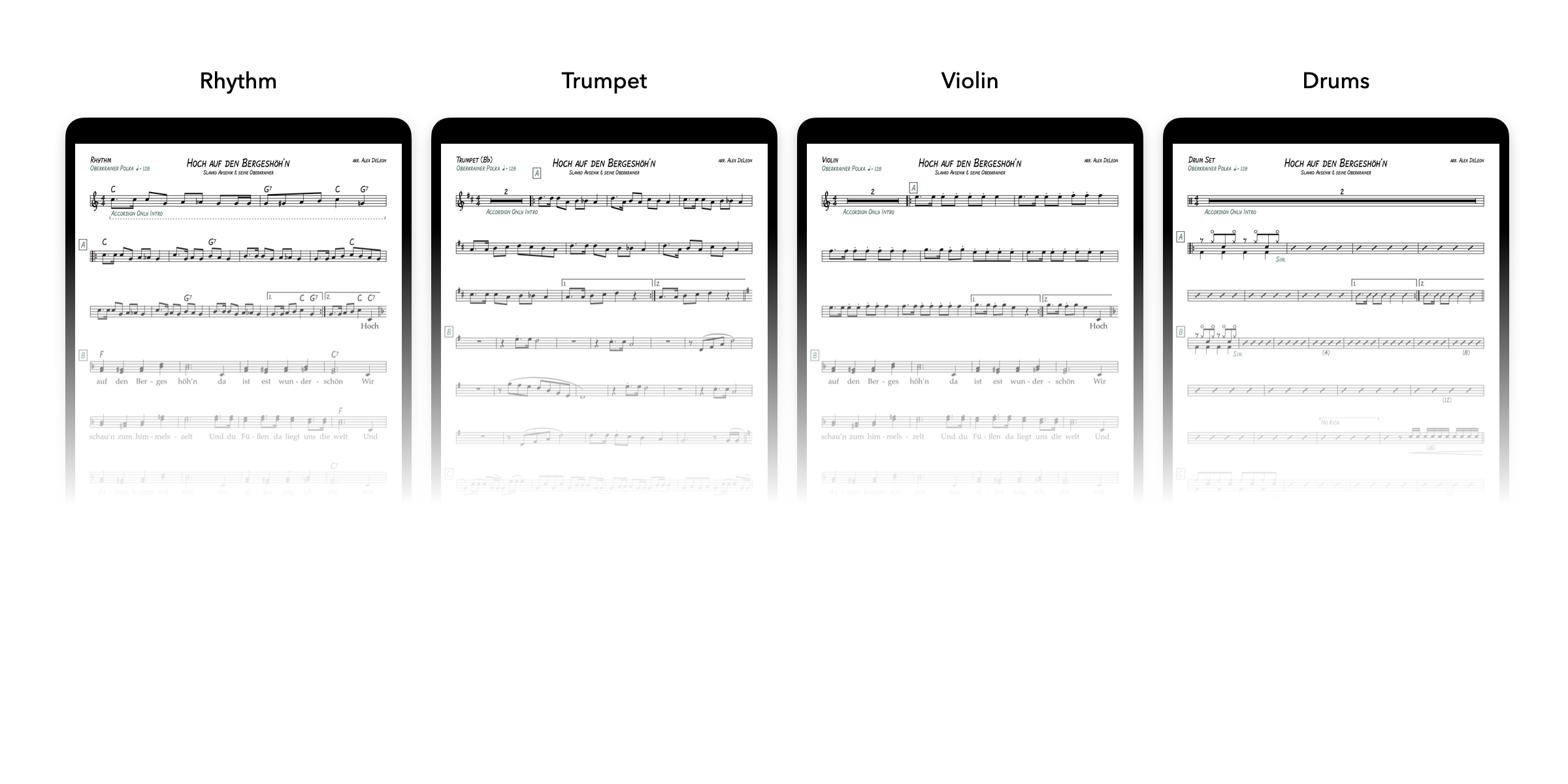
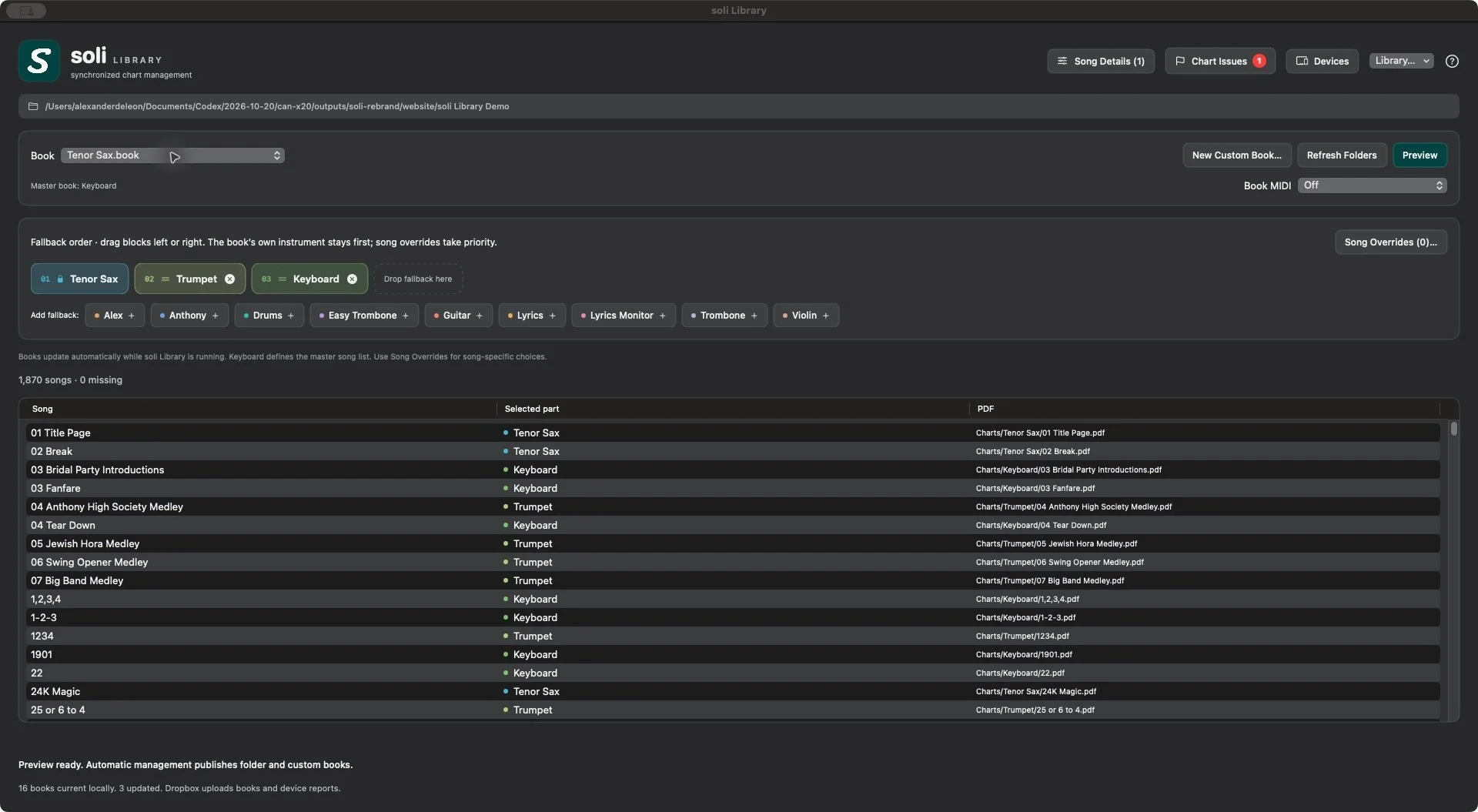
Build instrument-specific books, choose fallback parts, and check sync status from the optional Mac companion. Available to download below.
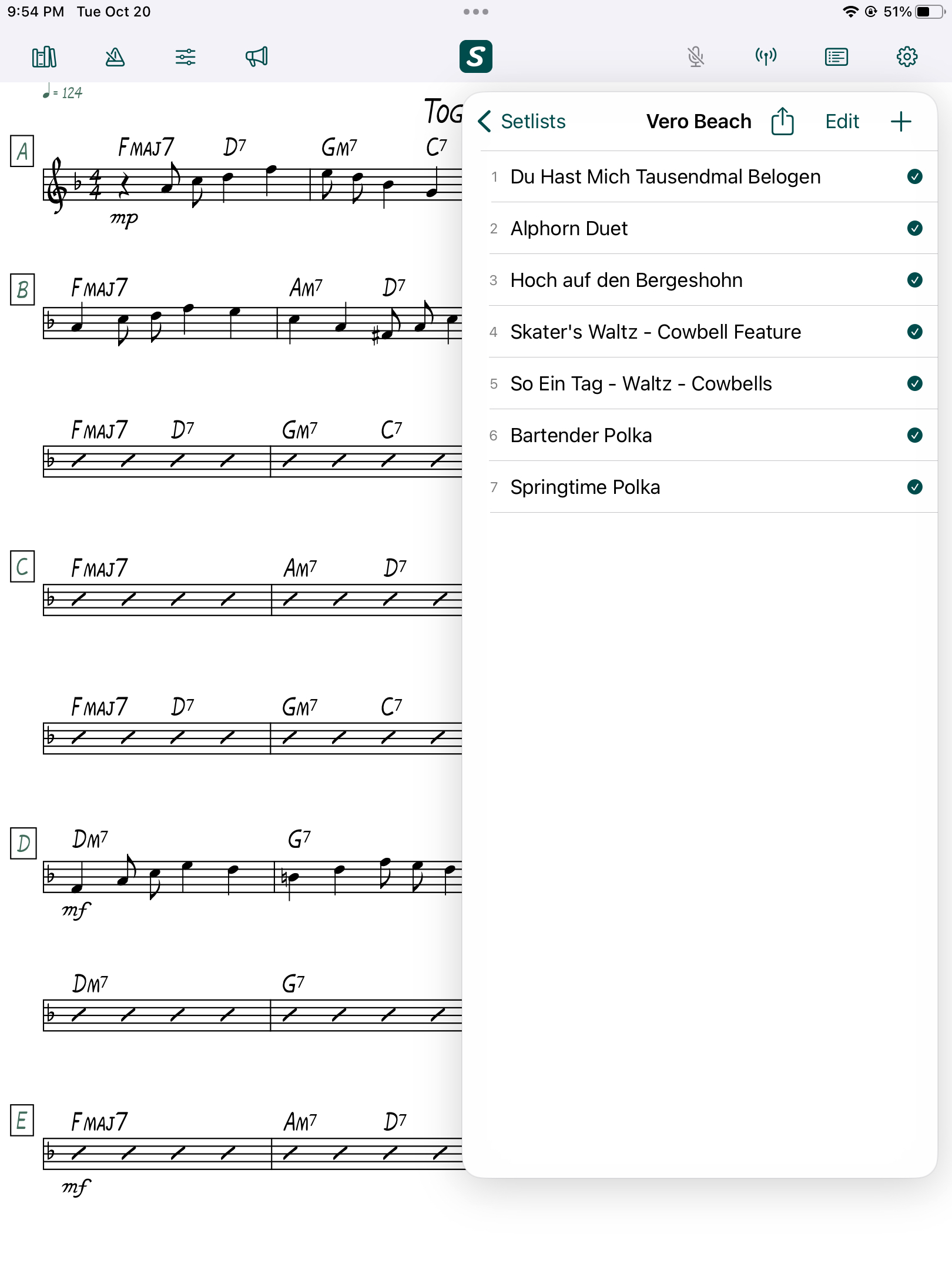
Band Sync
Callouts & Next Song
soli Library
Build the right book for each player.
Keep your PDFs in instrument folders in Dropbox. soli Library builds a book for each player from the parts you already have.
Pick the fallback. Give your violinist the violin part where available, then fall back to lyrics or keys in the order you choose.
Update a chart once. Replace the PDF in its folder, and Library updates the corresponding book.
Check who’s ready. Optional device reporting shows which players have checked in and what sync status they reported.
soli Library is an optional companion for Mac.
MIDI CONTROL
More than a chart reader.
Send MIDI when a chart opens, tap a cue on the page, or control your gear with customizable pads. Send notes, Control Change, Program Change, and multiple messages from a pad, with toggle actions for paired settings. Keep pads in a popover or pinned below your chart. Save your preferred Network MIDI session for automatic reconnection.
The essentials, built in.
Annotations
Write, highlight, and add typed notes directly on your charts.
Tuner
A chromatic tuner with adjustable reference pitch and playable tuning tones.
Metronome
Keep time with tap tempo and a choice of click sounds. Start or stop the audio click from a MIDI controller.
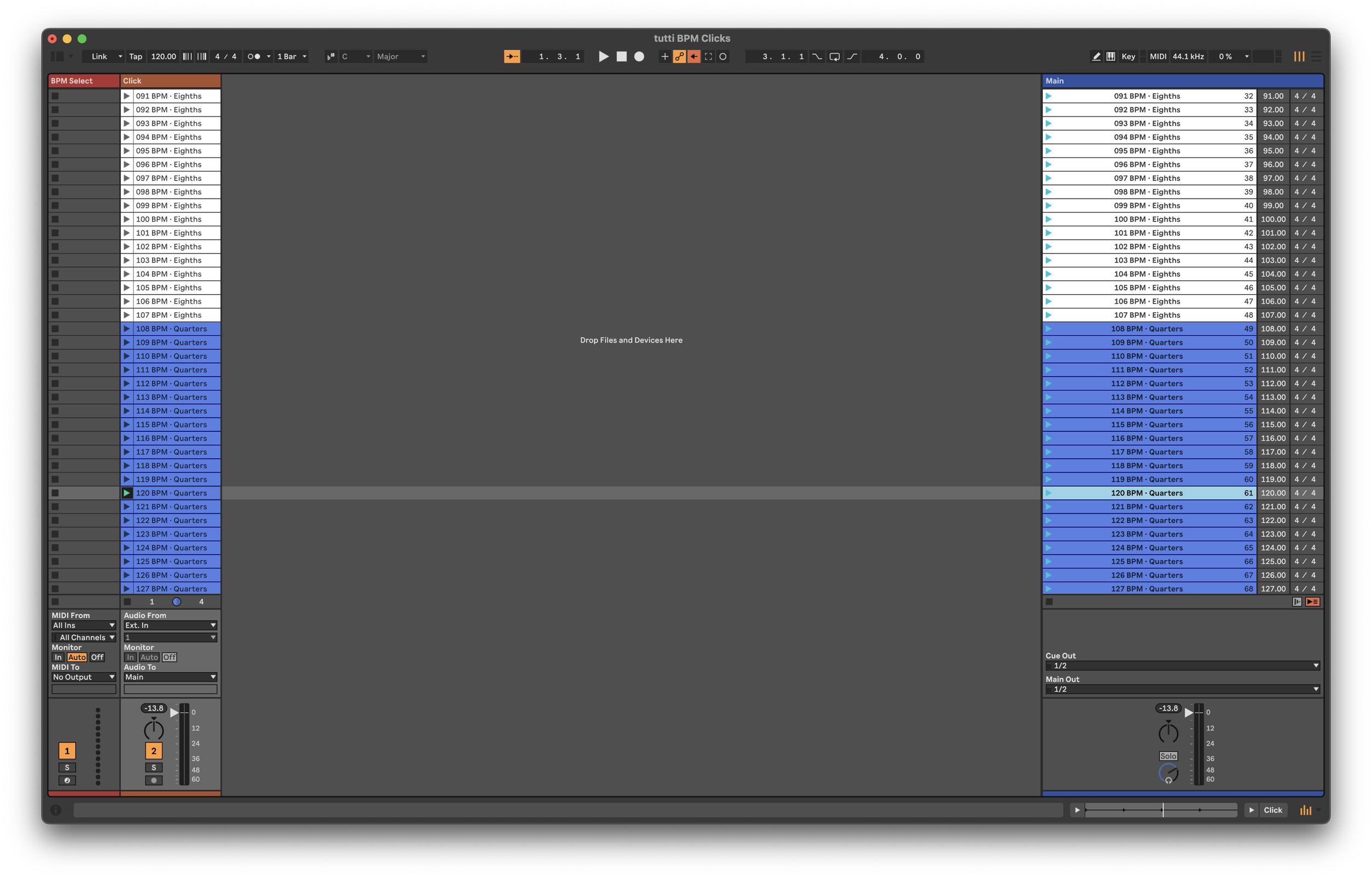
soli BPM Clicks for Ableton Live
A Live 12 project with click scenes from 60 to 200 BPM. Use it on its own, or connect soli over MIDI to select a scene using the song’s saved tempo and launch it when you’re ready.
Good to know
Frequently asked questions
What devices does soli support?
soli is designed for iPad and iPhone running iOS or iPadOS 16.4 or later. soli Library is an optional companion for Mac.
Do I need soli Library?
No. Read locally imported PDFs or sync a Dropbox or iCloud Drive folder directly in soli. Library adds tools for managing instrument-specific books on your Mac.
How do I add my charts?
Import PDFs from Files, or choose a source in Settings → Sync Source. Keep locally imported charts alongside your synced library. Books published by soli Library can sync through Dropbox or directly from your Mac over the local network.
Can I use soli without internet?
Yes. Downloaded charts work offline, and Band Sync works on a shared local Wi-Fi network without internet. Finish cloud downloads and test the band’s connections before the gig.
Can soli transpose my charts?
The experimental Transpose Chords feature changes supported chord symbols directly on your chart. Written notes remain unchanged. Choose a font, size, and height, and optionally remember a chart’s transposition. Scanned charts are not currently supported.
Does soli include sheet music?
Bring your own PDFs. The original sample chart “Together” is included so you can explore the app; the broader chart collection shown in screenshots is not included. More setup guidance is available on our Support page.